SELCO branches and contact centers will be closed Monday, February 16 in observance of Presidents' Day. Account access and support will still be available through digital banking and our virtual phone assistant.

Some members may experience intermittent access to digital banking. We apologize for the inconvenience and are working with our vendor to resolve the issue as quickly as possible.

Transfer to Another Member

  1. Step 1

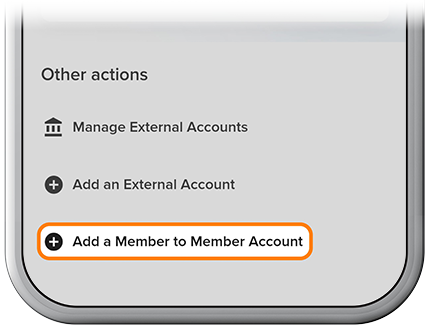
    Please review our Add a Member-to-Member Account how-to, then tap Transfer, then Add a Member to Member Account. 
  2. Step 2

    Tap Manage, then select the other member’s account. 
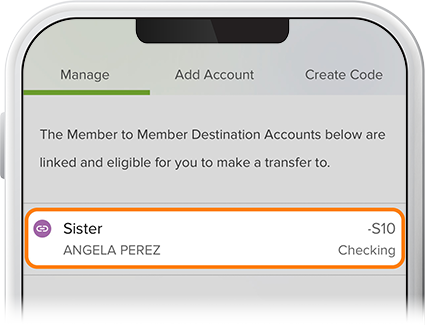
    Transfer to another member step 2
  3. Step 3

    Select a funding source for the transfer, fill in the proper fields, then review and confirm. To view scheduled transfers, tap the Scheduled tab on the Transfers page.
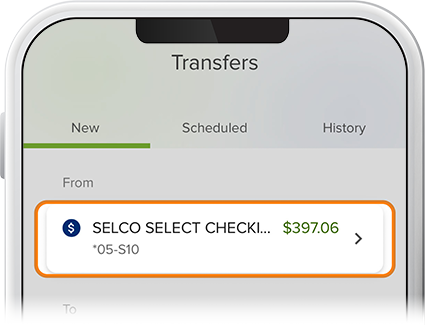
    Transfer to another member step 3