Manually Add an External Account for Transfers
-
Step 1
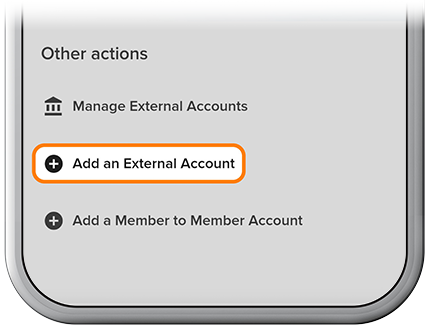
Tap Transfer at the bottom of the homescreen, then select Add an External Account.
-
Step 2
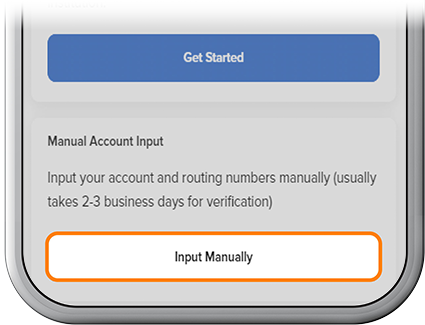
Tap Input Manually.
-
Step 3
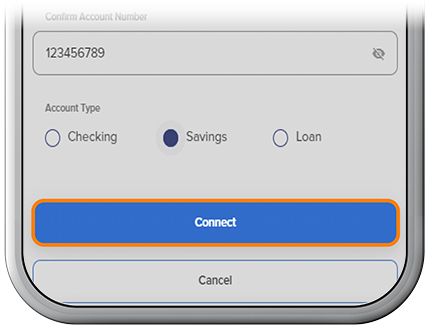
Find your external institution, enter the routing and account numbers, and select Connect.
-
Step 4
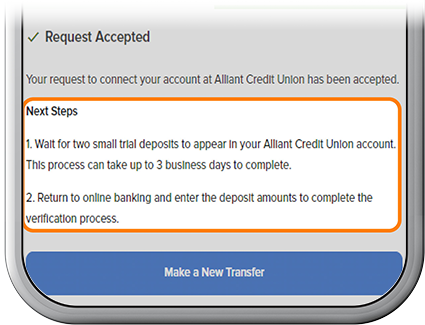
Two small deposits will appear in your external account. This process can take up to 3 business days to complete.
-
Step 5
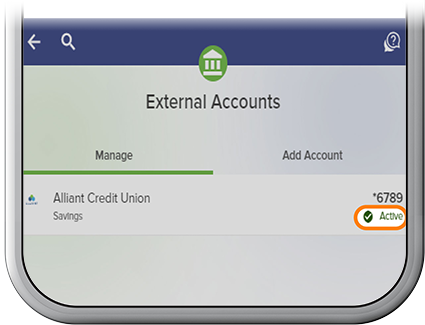
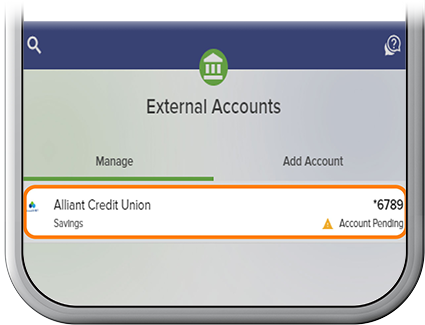
Log back in to your SELCO account and navigate to Transfer > External Accounts > Manage to locate your pending external account.
-
Step 6
You'll be presented with a Trial Deposit Verification screen. Tap Verify Account, enter the test deposit amounts, then select Verify to complete the verification process. The account status will change to Active, and it's ready for transfers. (Here are detailed steps on verifying test deposits.)