Report Card Lost/Stolen
-
Step 1
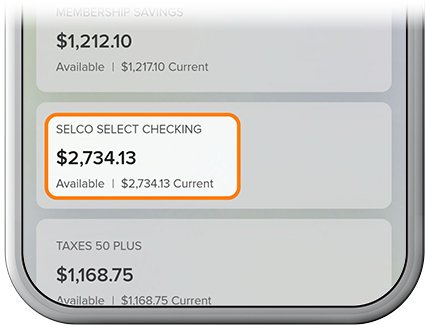
Select the associated checking or credit card account.
-
Step 2
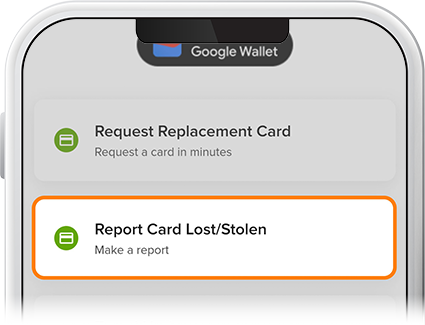
Tap Card Services, then select Report Card Lost/Stolen from the menu.
-
Step 3
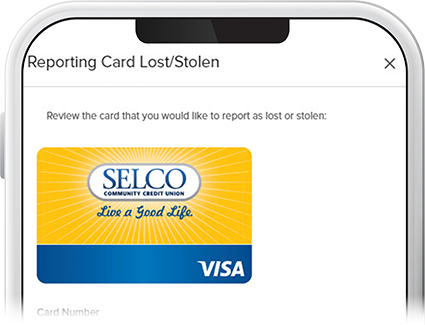
Ensure the highlighted card is the one you'd like to replace, then press Continue. (Note: If the shipping address on file is incorrect, send us a secure message or call us at 800-445-4483.)
-
Step 4
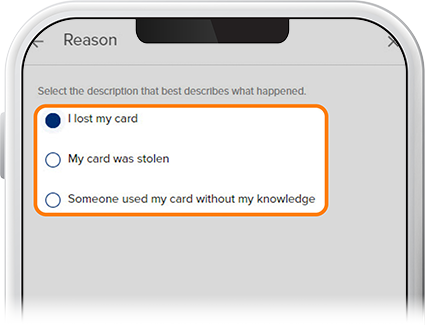
Select an option from the list and tap Continue. Enter the authorization code sent to your device and tap Done. Your misplaced/stolen card has been canceled and a replacement card has been ordered and should arrive within 10–14 business days.