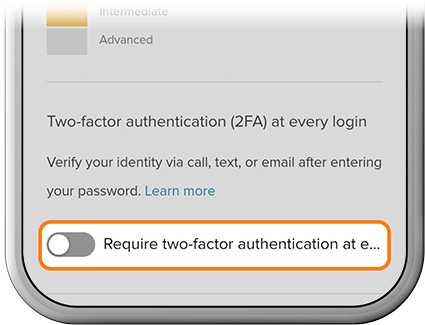
Add Login Security Validation
-
Step 1
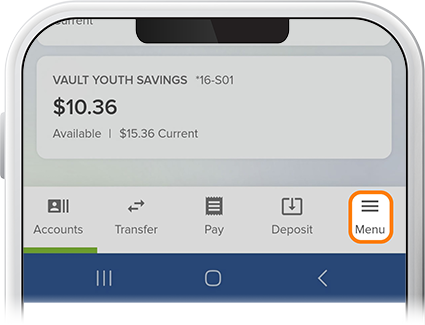
Tap Menu at the bottom of the screen.
-
Step 2
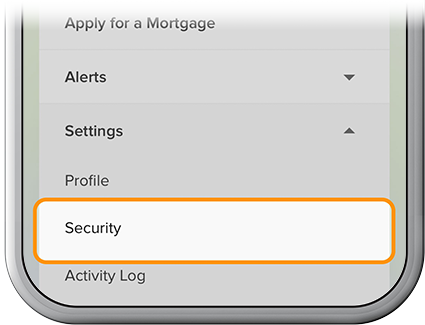
Scroll to Settings, then select Security.
-
Step 3
Select Authentication to set up Push Authentication or opting in to an authenticator app of your choice to provide an extra layer of security. By opting in to two-factor authentication at every login, a different secure code will be generated for you each time you log in.