Enroll With Zelle®
-
Step 1
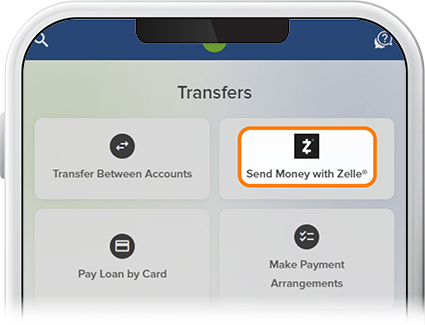
Tap Transfer, then select Send Money with Zelle®.
-
Step 2
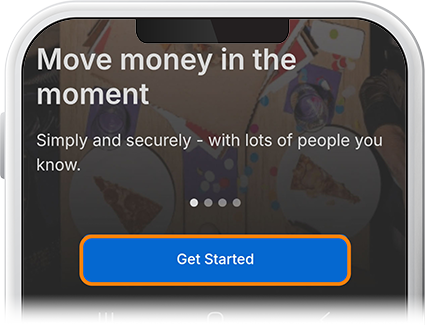
Tap Get Started, then review and accept the Terms and Conditions.
-
Step 3
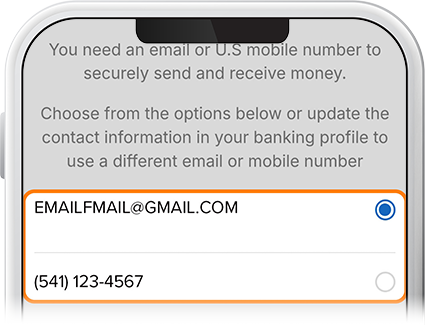
Choose either the email or phone number from your digital banking profile to enroll and select Continue. A 6-digit verification code will be sent to your email/phone. Enter the code and tap Verify.
-
Step 4
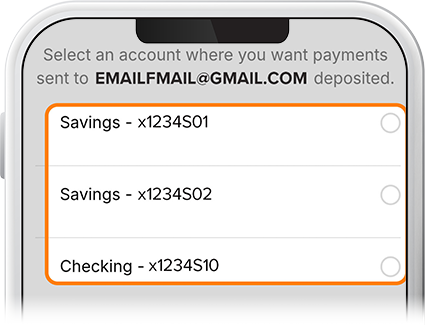
Select a SELCO savings or checking account from which you want to send and receive money and tap Continue. A congratulations message will be displayed. You’re ready to send or request money. Check out this How-To to learn how.