Add Bill Pay Payee
-
Step 1
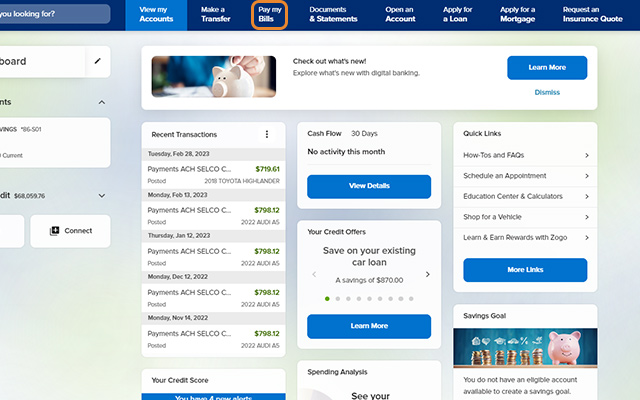
Click Pay my Bills (Pay in mobile).
-
Step 2
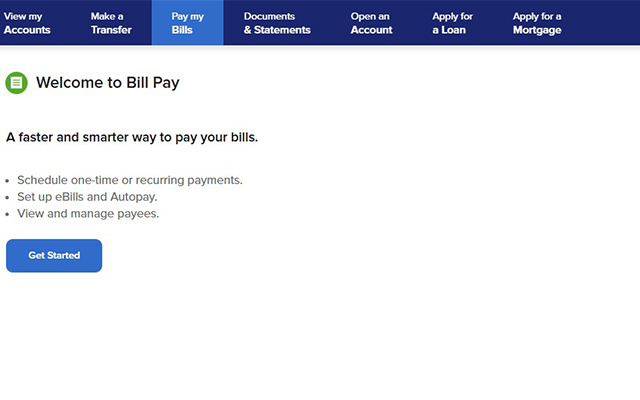
To add your first payee, click or tap the Get Started button, then select "Individual" or "Company."
-
Step 3
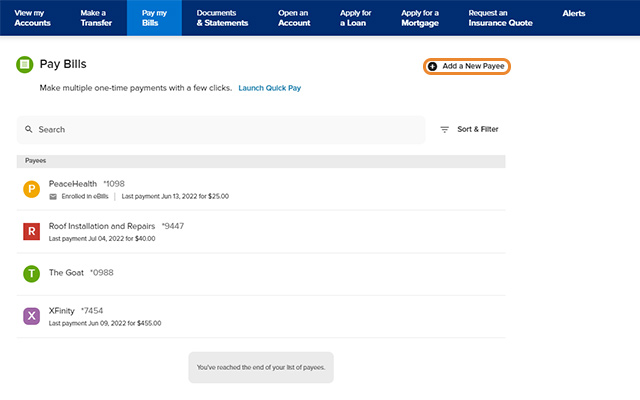
To add additional payees, click Add a New Payee (the + sign in the upper right in mobile).
-
Step 4
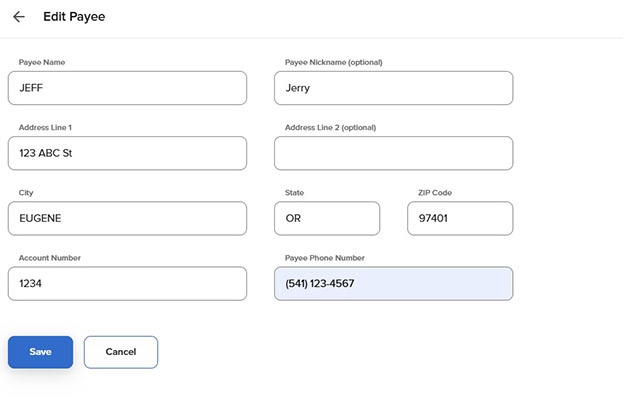
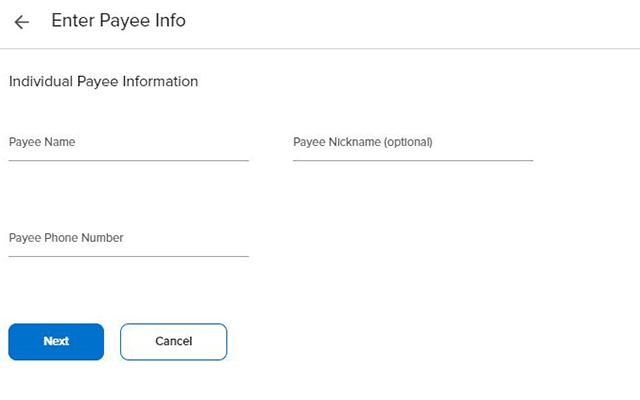
Complete the required fields. If adding an individual, be sure to have their account and routing numbers on hand.
-
Step 5
To update a payee's information, simply click on the payee and fill in the proper fields. Note: Payees paid by check can be edited by name, address, account number, and phone number. Payees paid electronically can only be edited by nickname, address, and account number.