Phishing alert: We’ve received reports of SELCO impersonators calling members about unauthorized transactions. As a reminder, SELCO will never contact you requesting sensitive information or to initiate wire, cash, or Zelle transactions. If you receive one of these messages, please hang up immediately.

Track Your Spending

  1. Step 1

    Scroll down to Spending Analysis under the My Dashboard heading on the app homescreen.

    Track your spending step 1
  2. Step 2

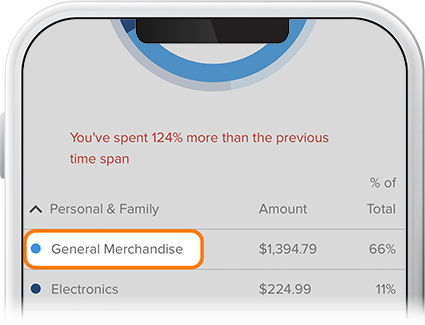
    Select accounts, categories, and time span for which you’d like to track spending. Colors on the color wheel correspond with each spending category.  
    Track your spending step 2