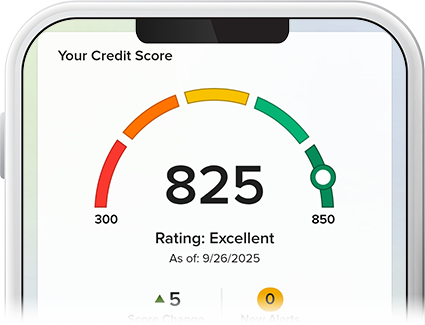
Check Your Credit Score
-
Step 1
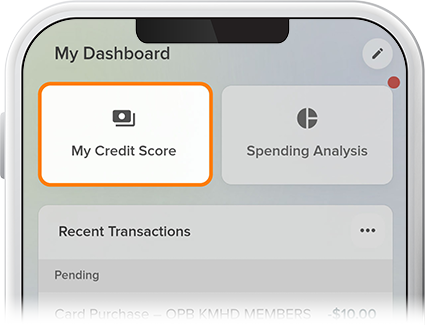
Scroll down to the My Dashboard heading and tap My Credit Score.
-
Step 2
For first time-users: Fill in/confirm your contact information, review and accept the disclosure, answer a few security questions, and select Continue. Once your profile is established, you'll press Show Full Report to access your credit score.