SELCO branches and contact centers will be closed Monday, May 25 in observance of Memorial Day. Account access and support will still be available through digital banking and our virtual phone assistant.

  1. Step 1

    Tap Menu, then scroll down to the Settings drop-down and select Security.
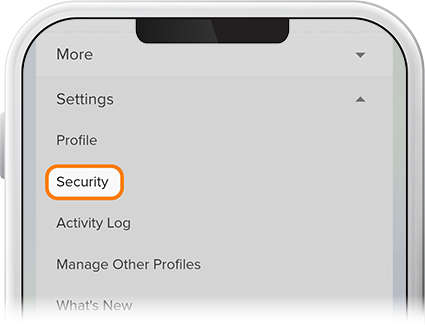
    Remove A Device Step 1
  2. Step 2

    Tap Devices, then select the device you’d like to remove from digital banking.
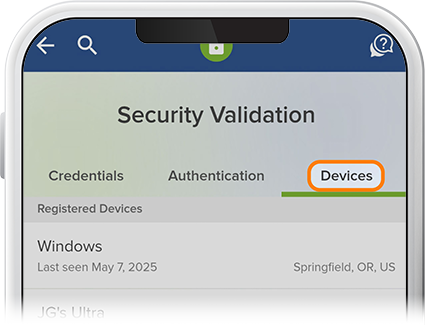
    Remove A Device Step 2
  3. Step 3

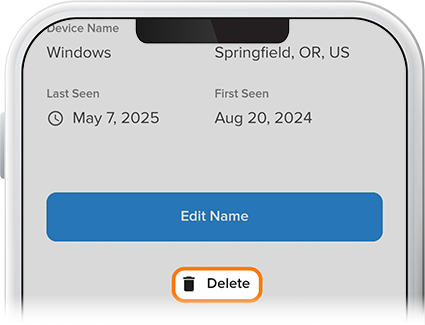
      Press Delete, and that’s it.  

    Remove A Device Step 3