Change My Language to Spanish
-
Step 1
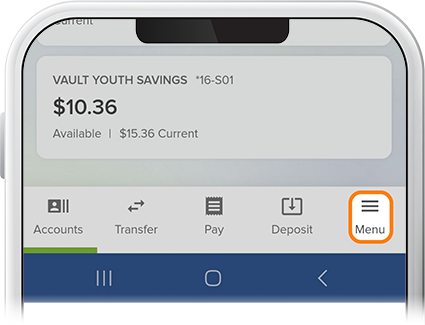
Tap Menu at the bottom of the screen.
-
Step 2
Tap ES in the upper-right corner. And that’s it.

Tap Menu at the bottom of the screen.

Tap ES in the upper-right corner. And that’s it.
