Edit A Role
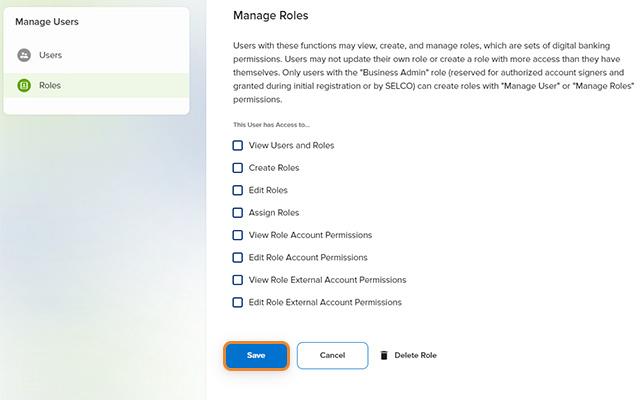
Users with permission to “Edit Roles,” “Edit Role Account Permissions,” and/or “Edit Role External Account Permissions” may edit existing roles. Only users with the "Business Admin" role can edit permissions related to Manage Users or Manage Roles permissions. For additional information about permission definitions, refer to the Business Digital Banking Manage Users Guide (digital banking login required).
-
Step 1
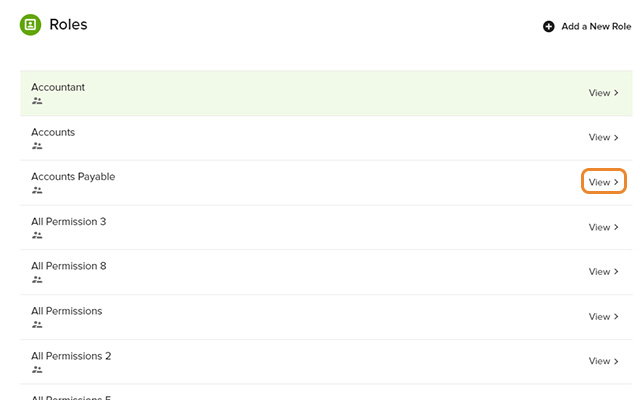
Click Manage Users, Roles in the left navigation, then select View to the right of the desired role.
-
Step 2
Make the necessary adjustments and click Save.