Create ACH Templates
-
Step 1
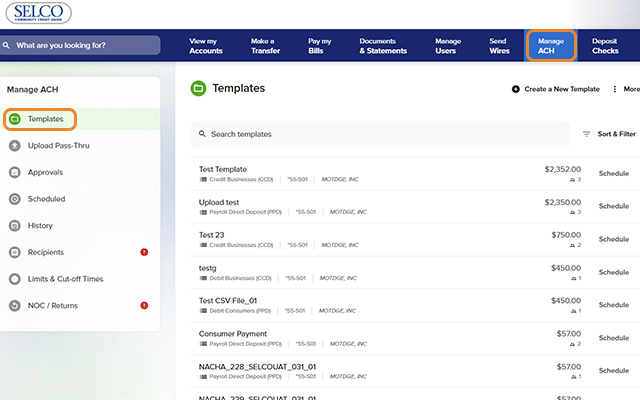
Click Manage ACH from the top navigation, then Templates from the left menu.
-
Step 2
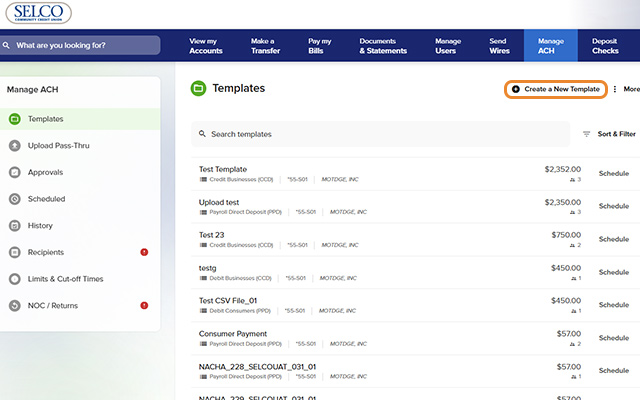
Click Create a New Template at the top right.
-
Step 3
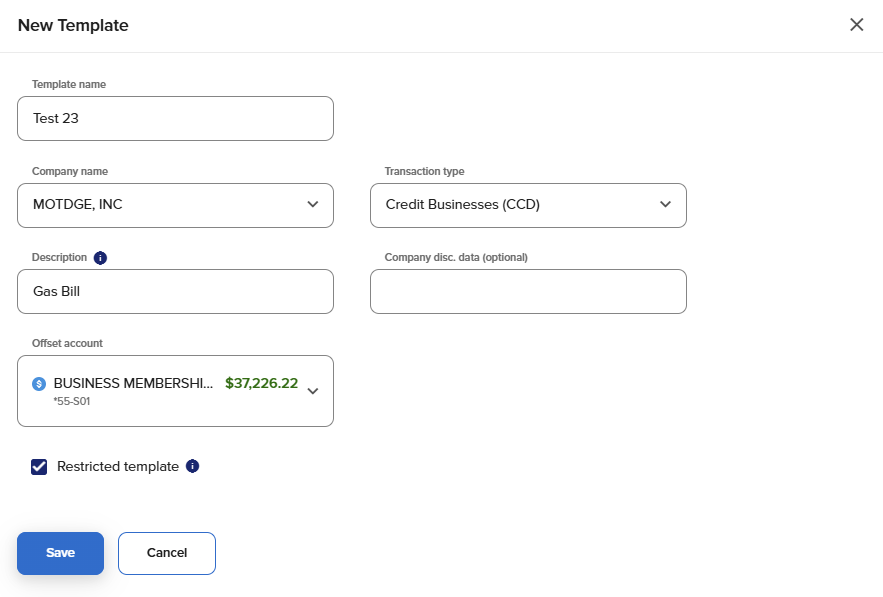
Fill in the fields, including the transaction type and offset account, then click Save.
-
Step 4
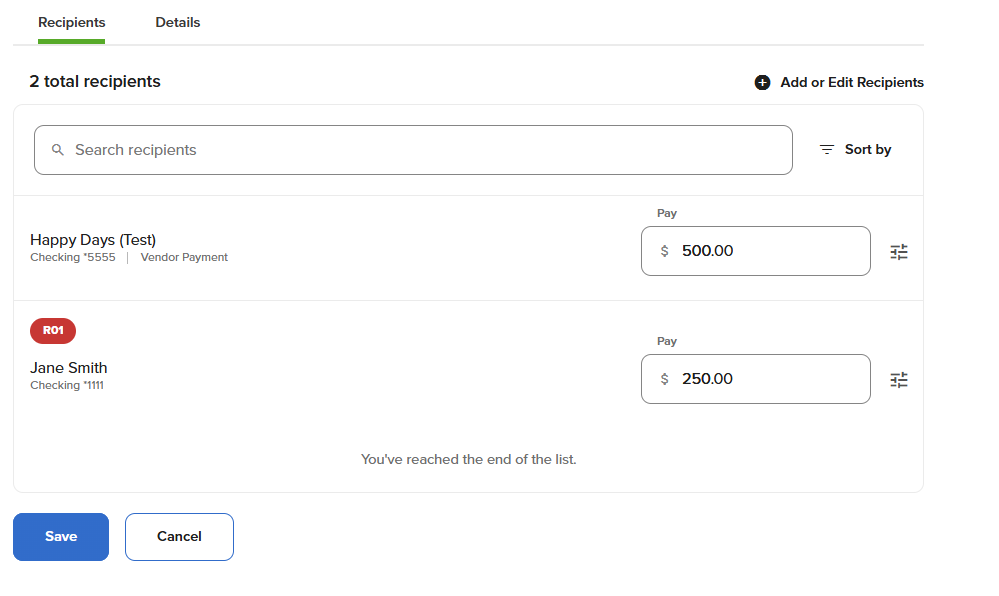
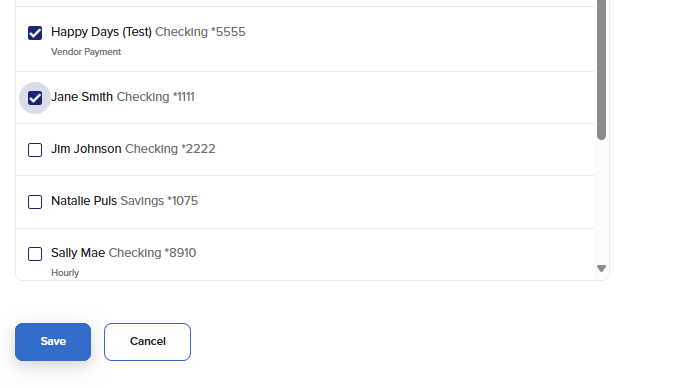
Click Add or Import Recipients, select your recipients, and click Save.
-
Step 5
Enter a payment amount for your recipients, then press Save. Your template has been created.