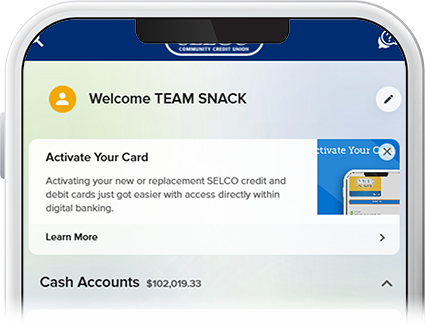
Switch Membership Profiles
Once you have linked all of your account profiles to your business digital banking account, you can seamlessly toggle between them without having to log out and back in.
-
Step 1
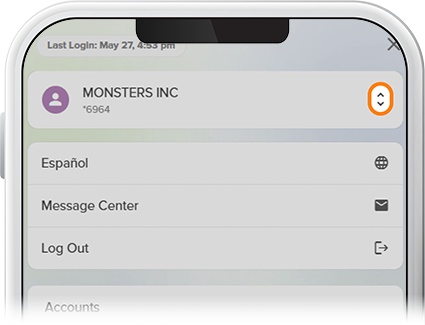
Tap Menu, then select the drop-down next to your profile name.
-
Step 2
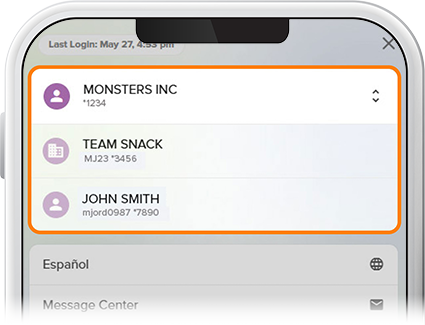
Tap the membership account you’d like to access. Note: If you’re accessing the selected account for the first time in digital banking, you’ll be required to accept the Digital Banking Agreement.
-
Step 3
Digital banking will switch to the selected account.